⏱ 20 min read
Published March 31, 2026
Switch Real Estate CRMs: 5-Phase Migration That Works
Last Updated: March 31, 2026
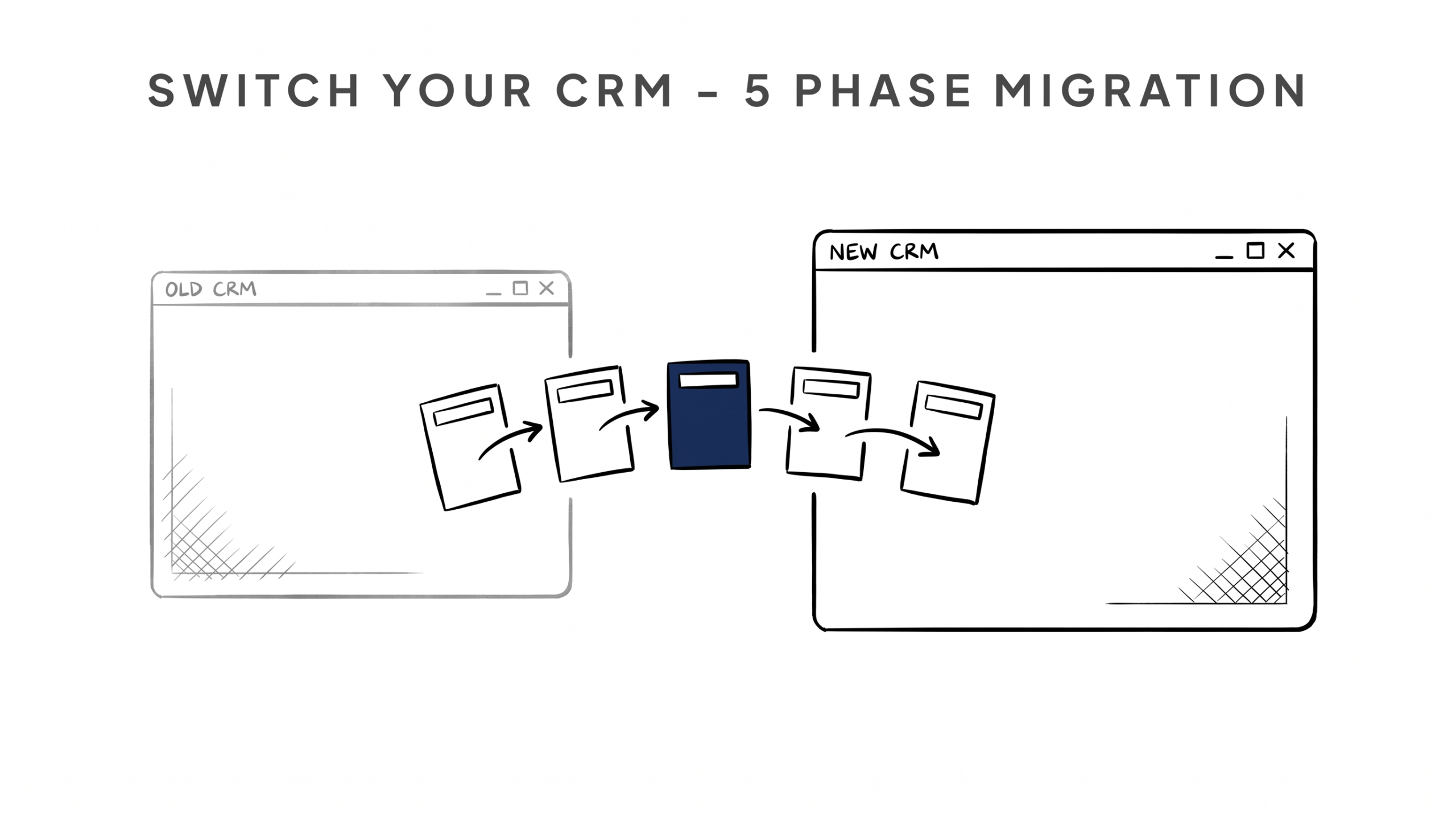
Most agents who are unhappy with their current CRM stay in it for years – not because it’s working, but because switching feels overwhelming. They’ve heard horror stories about data loss, broken sequences, and hours of manual cleanup. Some of those stories are true. But staying in a CRM that doesn’t work costs more than the friction of switching – in missed follow-ups, lost leads, and a database that slowly decays because nobody trusts the system enough to use it. This guide gives you the honest, step-by-step process for migrating to a new CRM: what to audit, how to export cleanly, what to clean before you import, and how to rebuild your sequences without starting from zero.
Key Takeaways
- The main reason agents stay in bad CRMs is fear of the migration process – the process is manageable if you break it into clear phases
- A messy export from your old CRM will create a messy import into your new one – data cleanup is the most important step most agents skip
- Your sequences and automations need to be rebuilt, not just transferred – treat it as an opportunity to fix what wasn’t working
- The migration window is the best time to reactivate cold contacts who have been sitting dormant in your database
- Plan for 2 to 4 weeks of transition time, not 2 days – rushing the migration is how data gets lost
Table of Contents
- Honest Talk: Is Switching Actually Worth It?
- Phase 1 – Audit Your Current Database
- Phase 2 – Export Your Data Cleanly
- Phase 3 – Clean the Data Before You Import
- Phase 4 – Import and Configure Your New CRM
- Phase 5 – Rebuild Your Sequences
- The Migration Window Reactivation Opportunity
- FAQ
Honest Talk: Is Switching Actually Worth It?
Before you go through this process, spend 15 minutes honestly answering these questions:
- Are you actually not using your current CRM, or are you just not using any CRM consistently?
- Is the problem the software, or is the problem the lack of a system?
- Will a new CRM actually change your behavior, or will you recreate the same disorganized database in a different platform?
These are not trick questions. Some agents switch CRMs every 18 months chasing a solution to a habits problem, not a software problem. A new CRM will not fix undisciplined follow-up. It will not create a nurture strategy where there wasn’t one. It won’t make you call your database if you weren’t calling it before.
That said, if you’ve genuinely outgrown your current tool – if it lacks automation, has terrible mobile usability, is missing lead source integrations you need, or if the cost doesn’t match the functionality – then switching is worth the work. Agents who use a CRM see 29% higher sales productivity – but only if the CRM actually fits the way they work.
If the answer is yes, switch – here’s how to do it right.
Phase 1 – Audit Your Current Database
Don’t export anything yet. Before you touch the export button, you need to understand what you actually have.
Log into your current CRM and look at your total contact count. Then dig deeper:
How many contacts have a valid phone number? If you have 1,200 contacts but only 400 have mobile numbers, the others are much less actionable. Flag them for cleanup.
How many have a valid email address? Same question. If you’ve been importing leads from multiple sources over the years, there will be significant email data issues – duplicates, bad addresses, old addresses that are no longer valid.
How many are actually active in the last 24 months? Contacts who haven’t engaged with anything in two years may not be worth migrating to a new platform as active contacts. You can archive them, but don’t clutter your new database from day one.
How many are duplicates? Most CRMs accumulate duplicates over time, especially if you’ve been importing from multiple lead sources. A contact who came in as “John Smith” from Zillow and “J Smith” from your website may have two separate records.
What tags and pipeline stages do you have? Document your current categorization system. You’ll need to recreate or improve it in the new CRM.
This audit will take a few hours if your database is large. It’s not optional. Skipping it and exporting a messy database guarantees you import a messy database and have a worse starting point than you had before.
Phase 2 – Export Your Data Cleanly
Once you’ve done the audit, export your data in segments rather than one giant CSV dump.
Export by category: Export your active clients, past clients, warm leads, cold leads, and referral sources as separate files. This makes the cleanup phase much more manageable and lets you prioritize which segments get migrated first.
Include the right fields: Make sure your export includes first name, last name, phone (primary mobile), email, lead source, last contact date, any custom tags or pipeline stage, and any notes that are critical to the relationship. Don’t try to export every field your CRM has – you’ll create noise. Export what you’ll actually use.
Check the export format: Most CRMs export to CSV. Make sure the column headers are clean and readable – not “CF_FIELD_0394” format that requires translation. If your CRM exports in a weird format, ask their support how to get a clean CSV with recognizable column headers.
Keep the raw export file untouched. Save a copy of the raw export before you touch anything. This is your backup. If you make a mistake in cleanup, you have the original to go back to.
Phase 3 – Clean the Data Before You Import
This is the phase most agents skip, and it’s why so many CRM migrations create more problems than they solve.
Open your exported CSV in a spreadsheet. Go through each segment:
Remove hard duplicates. Most spreadsheet tools have a “remove duplicates” function. Run it on email address first, then phone number. Flag any rows that get removed and review them – some may be different family members sharing an email.
Standardize phone number format. If some contacts have (555) 867-5309 and others have 5558675309 and others have +15558675309, pick one format and standardize them all. Your new CRM will import them more cleanly.
Fill in missing data where you can. If you know a contact’s mobile number but it’s only in your phone, add it. If you know their address from a past transaction, add it. This is the one time you’re going to touch every record – make them as complete as possible.
Clean up tags. If your old CRM had 40 tags that evolved organically over five years and half of them are redundant, decide which tags you’re carrying forward. Design a clean tag system for your new CRM before you import, then map old tags to new ones.
Archive, don’t delete. For contacts you’re not actively migrating (cold leads older than three years, contacts with no phone or email), don’t delete the row – move it to a separate “archive” sheet. You may want it later.
This process takes time. Budget two to four hours for a mid-sized database (500 to 1,000 contacts). Larger databases will take longer. It’s worth it. A clean import makes every phase after this easier.
Phase 4 – Import and Configure Your New CRM
Before you import your contacts, spend a day getting your new CRM configured correctly.
Set up your pipeline stages to match how you actually work. Create your contact categories and tags – based on the clean tag system you designed in Phase 3, not a recreation of the old mess. Connect your lead sources (Zillow, Realtor.com, your website, open house tools) so new leads start flowing into the new system before your existing contacts arrive.
Then import in segments, starting with your highest-priority contacts: current active clients, past clients, warm leads. Import, review, and fix any issues before importing the next segment. Don’t dump everything in at once – problems are much easier to find and fix in smaller batches.
After import, spot-check 20 to 30 records randomly. Verify that phone numbers, emails, tags, and any important notes came through correctly. Fix any import errors before moving on.
Phase 5 – Rebuild Your Sequences
This is the part agents dread most, and it’s actually an opportunity.
Don’t try to copy your old sequences exactly. If your old follow-up automation wasn’t working well, rebuilding it exactly the same way in a new tool won’t fix it. Instead, start fresh with a proper real estate follow-up system approach.
Build these core sequences first, in order:
1. New lead sequence (Days 1 to 30): Instant response text, value email on day 2, call prompt on day 4, weekly value touches through day 30.
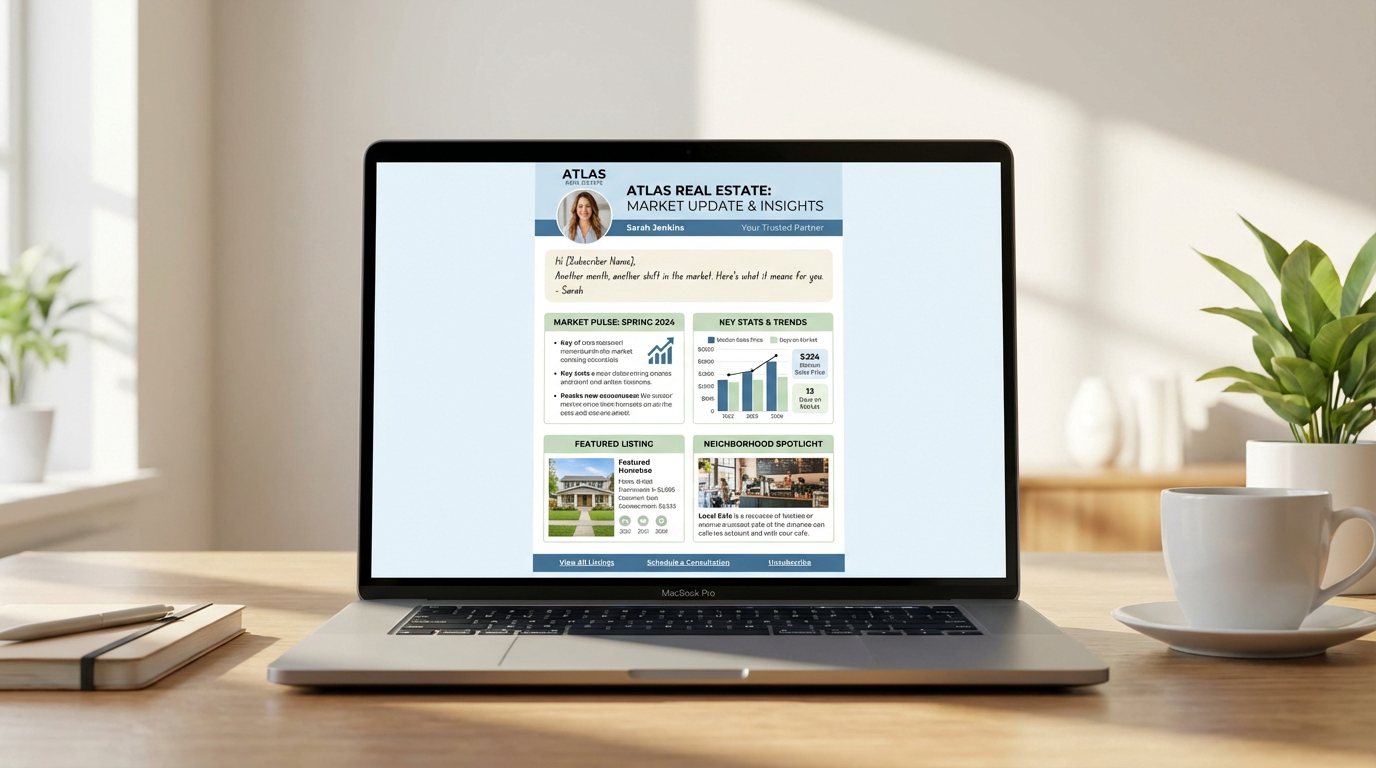
2. Long-term nurture (Month 2 onward): Monthly email for past clients and warm leads. Market updates, local insight, occasional personal check-ins.
3. Past client sequence: Quarterly touchpoints, annual home value updates, birthday and anniversary notes if you have that data.
4. Database reactivation sequence: For leads who have been sitting cold – a short real estate database reactivation campaign to re-engage people who haven’t heard from you in 6+ months. Pair this with an AI database reactivation system to turn your cold list into booked appointments.
Rebuild one sequence at a time, test it before activating it at scale, and launch your new system with clean, working automation before you declare the migration complete.
The Migration Window Reactivation Opportunity
Here’s something most agents don’t think about: the migration is the perfect reason to reach out to your entire database.
A simple, honest message: “Hey [Name] – I’m moving to a new system and wanted to make sure I have your best contact info. Also wanted to check in – are you still thinking about [buying/selling], or has the timeline changed?” Direct, not weird, has a natural reason to exist.
This kind of touch will reactivate a percentage of cold contacts who forgot about you but are actually still in the market. It’s a natural re-engagement moment that doesn’t require an excuse – the CRM switch is the excuse.
FAQ
How long does a full CRM migration realistically take?
For a database of 500 to 1,000 contacts with a moderate number of sequences, plan for two to four weeks. One week for audit and export, one week for cleanup, then one to two weeks for import, rebuild, and testing. Agents who try to do it in a weekend end up with a broken import they spend months cleaning up.
What happens to leads mid-sequence during a migration?
This is the trickiest part. Document which contacts are in which sequence and at which step before you migrate. In the new CRM, manually place them at the correct step. For high-value active leads, a personal call to bridge the gap is better than hoping the import mapped their sequence position correctly.
Can I export everything from my current CRM, even if they make it difficult?
Almost always yes. If your CRM doesn’t have a native export tool, contact support and request a data export – you’re legally entitled to your own data in most jurisdictions. If support won’t help, check whether the CRM has an API that a developer can use to extract your data.
Should I run two CRMs in parallel during the transition?
For one to two weeks, yes – especially for active clients. Keep your old CRM running for active transactions and for any sequences mid-flow. Import and test your new system in parallel. Then hard cut over once you’re confident the new system is working correctly.
What’s the biggest mistake agents make when switching CRMs?
Importing a dirty database and assuming the new tool will sort it out. It won’t. Garbage in, garbage out. The cleanup in Phase 3 is what determines whether your new CRM becomes the system you actually use or just another expensive contact list.
The Bottom Line
Switching CRMs is genuinely work. Not impossible work – manageable work, with a clear process. The agents who do it right come out the other side with a cleaner database, better automation, and a system they actually trust. The agents who rush it or avoid it indefinitely stay stuck in tools that aren’t helping them grow.
If your current CRM is the reason you’re not following up consistently, the migration is worth every hour it takes. Build it right once and you won’t need to do it again.
See how nurturebeast.com is built specifically for real estate agent workflows – or take the What’s Killing Your Real Estate Business? assessment to find out if your CRM setup is the biggest drag on your business right now.