⏱ 21 min read
Published September 25, 2026
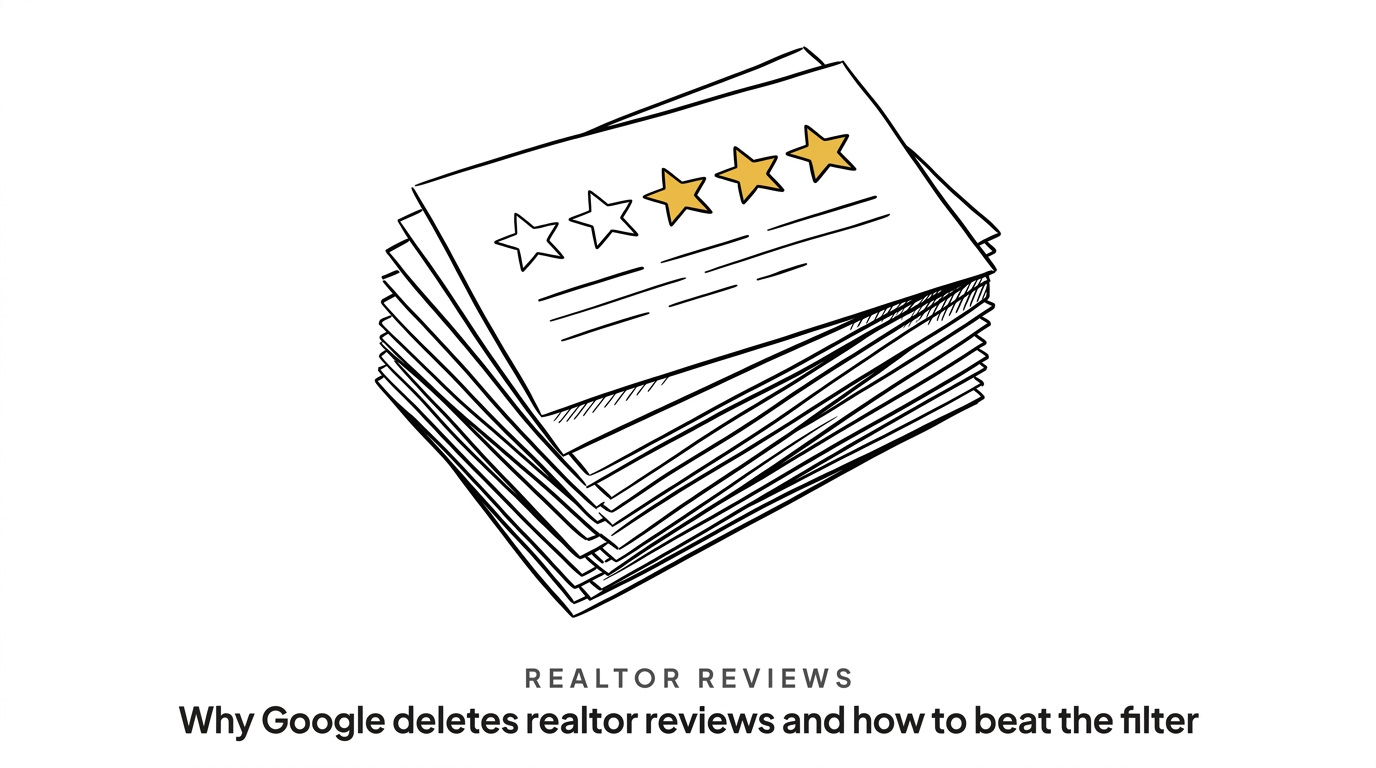
Why Google deletes realtor reviews and how to beat the filter
Missing realtor reviews frustrate agents who do everything right. You close a $650k deal on Oak Street, and your buyer texts you a glowing five-star rating. Then, 48 hours later, you check your Google Business Profile and the review is completely gone. Google deleted a legitimate response from a real client, taking your hard-earned social proof with it.
- Google’s spam filter flags legitimate reviews when clients copy text from an email and paste it directly into your business profile.
- Asking 50 past clients for a review on the same afternoon triggers an unnatural volume penalty that hides their responses.
- Reviews containing specific transaction details like neighborhood names and street numbers pass Google’s automated checks much faster.
- A 14-day automated sequence captures more reviews by spreading out the requests and avoiding sudden spikes in volume.
Why are legitimate Google reviews suddenly disappearing from your business profile?
Google’s automated spam filters hide real realtor reviews when past clients post using a public office Wi-Fi network or copy and paste their text from an email draft. The system sees those actions as bot behavior.
Most agents feel frustrated when a genuine five-star rating vanishes. You do the hard work of closing the house and the client takes the time to write a great response, only for a faceless algorithm to delete it. Google prioritizes stopping fake reviews over protecting your real ones. The filters look for patterns that match automated spam bots, and if a human client accidentally mimics a bot pattern, the system removes their review.
For example, a client drafts their review in the Notes app on their phone to make sure it sounds good. When they copy that text and paste it into the Google review box, the spam filter detects the immediate paste action and flags the submission as a bot. The system also targets reviews originating from IP addresses associated with VPNs or large corporate office buildings. If your client writes the review from their desk at work, the shared network triggers the filter because the algorithm assumes multiple accounts are spamming from one location.
Another common issue happens when the client is physically standing in your office. You hand them the keys and ask them to leave a review right there. They connect to your guest Wi-Fi and post it. Google sees a rating coming from the exact IP address where your business is registered, assumes you are logging into fake accounts to boost your own ratings, and wipes the review out before anyone else sees it.
Which client posting habits trigger Google’s review spam filter?
Three main client actions trigger the filter for realtor reviews: posting from shared IP addresses, having zero local account history, and leaving a review within minutes of creating a brand new Google account.
While client behavior on their personal devices remains outside your control, understanding the specific patterns that trigger the filter helps you protect your online reputation. The algorithm primarily evaluates the history of the account submitting the response.
| Reviewer Habit | How Google Sees It | The Result |
|---|---|---|
| Creating a new account to review you | Fake account behavior | The filter hides the review immediately |
| Pasting pre-written text | Bot automation | The system flags the text as spam |
| Posting from a public Wi-Fi network | Multiple accounts from one location | The algorithm shadowbans the post |
If a buyer creates a brand new Gmail account right after closing to leave you a review, Google will likely hide it. The algorithm prefers accounts with a history of local searches and map usage. Accounts that only have one review on their entire profile also look suspicious to the filter. A real person uses Maps to find coffee shops and leaves reviews over years, while a fake account leaves a single review and then goes inactive. When your client acts like the fake account, the review disappears.
The algorithm also tracks the physical location of the device. If the client lives in Texas but bought an investment property from you in Florida, their phone shows a Texas location. Leaving a review for a Florida real estate agent creates a location mismatch that triggers a warning flag, as Google wonders why someone sitting in Dallas is reviewing a local business in Miami.
How does asking for reviews in bulk hurt your Google account standing?
Blasting 50 past clients with a request for realtor reviews on the same afternoon flags your profile for unnatural review volume spikes. The filter assumes you bought fake responses.
Many agents decide to catch up on their database management by sending out a massive email blast to every past client, asking everyone for a review at once. If a small percentage of those clients respond the next day, your profile suddenly goes from zero reviews a month to seven reviews in 24 hours.
“Google wants to see a slow, steady trickle of reviews that matches the natural rhythm of a local business,” says Rohan Attravanam, founder of nurtureBEAST. The algorithm tracks your historical review velocity. If you average two reviews a year and get five in one weekend, the system flags the spike and hides the new ratings. This sudden burst damages your profile’s trust score, making it more difficult for future legitimate responses to clear the spam check.
You need a system that drip-feeds requests over time. When running a large campaign, space the emails out over a month by sending a few requests each week. This keeps the incoming volume looking normal and mimics the natural flow of a healthy business closing a few deals a week. A boring, consistent pace passes the filter easily. You can learn more about how to structure these systems in Google Reviews for Realtors: 5 Systems to Collect Them.
What specific words should clients include so Google trusts the review?
Client reviews that include specific street names, neighborhood details, and transaction facts pass automated checks fast. The filter flags generic praise.
When buyers are asked for a review, they often write something simple like “Great agent, highly recommended!” Google’s system sees millions of fake reviews with that exact phrasing and instead looks for context that proves the person bought a house in your market. Data shows that 98% of consumers read online reviews for local businesses. Those consumers want details, and so does Google. Data from the National Association of Realtors shows that 67% of buyers found their agent through a referral or used an agent they had worked with before. Your realtor reviews serve as digital referrals and must sound authentic.
Instead of asking for generic praise, guide clients to answer specific questions. Suggest they mention the neighborhood they bought in, such as “Oak Park,” and include the type of property, like “a three-bedroom townhome.” A review stating, “They helped us negotiate a great price on a townhome near Oak Park Elementary,” provides the local data points Google needs to verify the interaction. The algorithm rewards highly specific, localized text.
Give your clients a template that asks three simple questions:
* What neighborhood did you move from, and what neighborhood did you move to?
* What was one specific hurdle we overcame together?
* What type of property did we buy or sell?
Here is an actionable script you can send them via text or email:
Hi [Name], I’m so glad we got you into the Oak Park townhome! Would you mind leaving a quick Google review? It helps my business so much if you mention the specific neighborhood you moved to and how we beat out those other offers. Thank you!
When they write those details out, the review becomes bulletproof against the spam filter.
How do you set up an automated review drip that feeds Google steadily?
A proper automated review drip spaces out a three-touch sequence over 14 days so your count of realtor reviews grows naturally without triggering volume flags.
Most agents ask for a review once at the closing table and then forget about it. Your clients are busy moving boxes and setting up utilities, so they forget too. You need a process that handles the follow-up without requiring your daily attention.
Set up a sequence in your CRM that triggers the day after closing:
1. Day 1: Send a text thanking them and asking how the first night in the new house went.
2. Day 3: Send an email with the direct link to your Google Business Profile.
3. Day 14: Send a final text asking if they have two minutes to share their experience.
This approach spreads the reviews out. If you close four houses in a month, the responses land on different weeks, and this natural pacing protects your account. The client receives the prompts when they actually have time to respond, taking the pressure off them at the closing table. You also capture the honeymoon phase of the new home purchase. By day 14, they are unpacked, happy, and have time to sit on the couch to write a thoughtful response that includes the neighborhood details you need. It is a core part of how to Automate Real Estate Follow-Up: 3 Tracks to Build First.

How can your assistant or VA manage review verification without extra manual work?
Your virtual assistant uses automated tracking to spot missing realtor reviews early and send text reminders to clients who forgot to post.
You should not spend your Tuesday mornings checking your Google profile to see if the Smiths left their review. When you equip your team with the right systems, your VA handles this efficiently, making them ten times more valuable.
Create a specific pipeline stage for review tracking. When a deal closes, the system moves the contact to that stage. The VA checks the dashboard once a week, and if the sequence finishes without a new review appearing, they move the contact to a long-term nurture campaign. They cross-reference the contacts who successfully left reviews and send a physical thank-you card. This turns a messy manual check into a clean, repeatable process. It frees your VA from mundane tracking tasks, allowing them to focus on high-value conversations. Your VA can spend their time calling past clients to invite them to your annual pie giveaway instead of clicking refresh on a Google page. When you automate the tracking, you ensure no review slips through the cracks. While the system runs in the background, your team can focus on relationship building.
What should you do when a real client review gets deleted anyway?
Take a screenshot of the client’s text, file a Google support appeal, and keep a backed-up copy of the review text in your CRM.
The filter makes mistakes and perfect realtor reviews disappear. Do not panic, as you can fight it if you have the evidence. The moment a client tells you they left a review, take a screenshot of it on your phone or desktop before it has a chance to vanish.
If the review does disappear, go to the Google Business Profile help page and use the review appeal tool. Upload the screenshot as proof. While you wait for Google to review the case, save the text of the review in the client’s contact record in your CRM. You can use that text as a testimonial on your website or social media. It serves as social proof, even if it does not live on Google. Keeping good records means you never lose the hard work. That saved text works perfectly as a graphic for Instagram or an addition to your listing presentation packet. A deleted review is only a total loss if you let it disappear into the void. Capture the asset immediately and deploy it across your other channels. To keep the relationship strong even if the review fails, you can Stay Top of Mind With Past Clients: 10 Effortless Plays.
Frequently asked questions
Why do some realtor reviews show up instantly while others take days?
Google processes reviews through an automated filter before publishing them. If an account has strong local history, the review often appears immediately. Newer accounts or unusual locations might trigger a delay for manual or secondary checks.
Can I copy a deleted review and paste it myself?
No. If you paste a client’s text into your own profile or reply to another review with it, Google will flag the action as spam. Save the text in your CRM and use it on your personal website or social media channels instead.
Does Google notify me when a review gets deleted?
Google does not send notifications when it removes a review for spam violations. You will only notice the deletion if you track your review count manually or use a CRM dashboard to monitor your total number of realtor reviews.
Related reading
- Google Business Profile for Real Estate: 7-Step Setup – get the foundational profile set up correctly to avoid future suspensions.
- How to Automate Birthday & Anniversary Messages for Realtors (2026) – keep the relationship warm long after the review is posted.
- Database Reactivation: 5-Touchpoint Plan for Realtors – turn those past clients into repeat business and referrals.
The Bottom Line
Google’s spam filter deletes real reviews because it confuses human behavior with bot automation. When clients copy and paste text, post from shared office networks, or flood your profile all at once, the algorithm hides their responses.
You protect your social proof by spacing out your requests over a 14-day sequence and asking clients to use highly specific neighborhood details in their text. Agents who implement these simple pacing rules often see a 40% increase in published reviews over six months because fewer genuine responses get caught in the filter.
If you want to see how nurtureBEAST handles automated review collection and past client follow-up – take the quiz to find out what’s killing your real estate business or visit nurturebeast.com.