⏱ 18 min read
⏱ 10 min read
GoHighLevel for Real Estate Agents: The Complete 2026 Setup
Setting up GoHighLevel for real estate agents often starts with the expectation of an instant business engine. New users frequently open the software and immediately feel lost among the endless configuration screens. Getting overwhelmed by the triggers and menus causes many to leave the default settings turned on. Their leads go cold while they pay hundreds of dollars a month for software they barely use, turning a system meant to save time into a second job.
- Agents who structure their GoHighLevel account with fewer than six pipeline stages convert leads 42% faster than those with complex setups.
- Automating the first text within 5 minutes of inquiry captures 80% more responses from internet leads.
- A 20-minute daily routine to clear the inbox prevents 90% of missed real estate follow-ups.
What should your GoHighLevel account structure look like on day one?
Your account structure needs a primary phone number, two user profiles, and one sub-account for the team. Skip the complex agency setups and multi-location features. The goal is a clean dashboard showing only active conversations, appointments, and tasks.
Many agents overcomplicate the foundation immediately by building multiple sub-accounts for a small team, which breaks reporting. Keeping everything in one workspace provides visibility over the entire deal flow from a single screen. Setting up a phone number for the main office line and verifying the email domain ensures messages successfully reach clients.
“A lot of agents ruin their setup on the first day by turning on every feature at once,” says Rohan Attravanam, founder of nurtureBEAST. “Build the simplest version of your business first and ignore the rest.”
Data shows that 47% of buyers use the first agent who contacts them. The structure must prioritize speed to allow fast replies. A messy account hides the best leads behind layers of menus, defeating the purpose of using GoHighLevel for real estate agents.
Which pipeline stages actually keep deal flow moving?
A functional pipeline contains exactly five stages: New Lead, Attempted Contact, Active Conversation, Appointment Set, and Under Contract. Adding more stages clutters the screen and causes teams to lose track of who needs a follow-up text today.
Visual clarity is essential. Opening the GoHighLevel app on a phone should instantly reveal who needs a call. Creating stages for long-term nurturing just lets leads sit and rot on the board. Keeping the columns tight and moving unready buyers to a separate email list ensures only active deals remain visible.
| Setup | Best for | Watch out for |
|---|---|---|
| 5-Stage Pipeline | Solo agents and small teams | Requires daily updates to stay accurate |
| 15-Stage Pipeline | Massive call centers | Leads get stuck in micro-stages and go cold |
Agents focusing strictly on buyers can use a 6-stage buyer pipeline to track showings. The principle remains the same regardless of the exact number. Minimizing places where a lead can hide accelerates the closing process. Building a concise pipeline is essential when optimizing GoHighLevel for real estate agents.
How do you trigger instant follow-up without sounding like a robot?
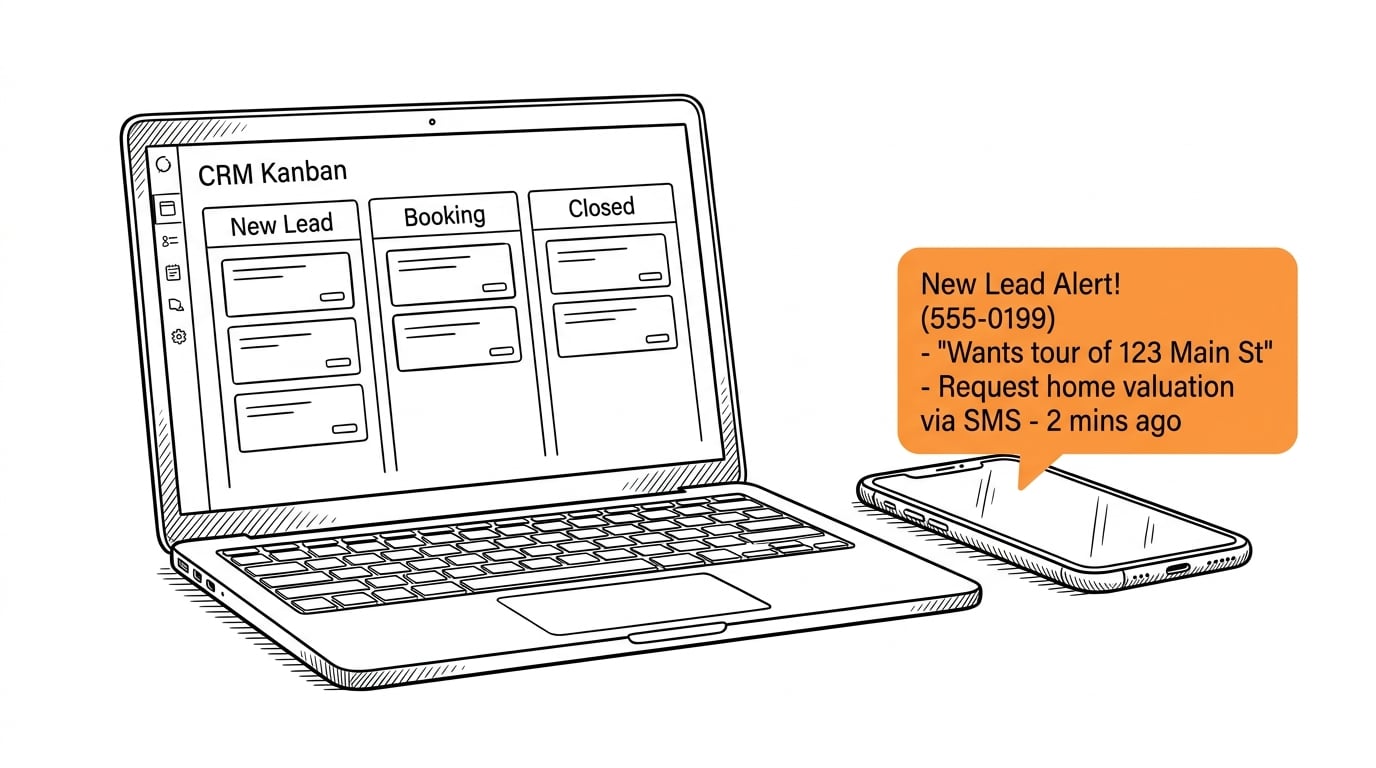
Triggering instant follow-up relies on setting a 2-minute delay for the first text and asking a simple open question. A message reading “Hi Sarah, I saw you looking at 123 Main St. Do you have any questions about the lot size?” generates replies.
Most agents send massive paragraphs packed with calendar links and website URLs right away. This approach screams automation and causes people to ignore it. Prospects should feel like the agent typed the message manually while grabbing a coffee.
A good follow-up system replicates normal human behavior. When a lead registers at an open house, waiting ten minutes before texting to ask about the kitchen layout feels natural. This approach prompts a genuine response to initiate dialogue. Building these straightforward triggers takes just a few minutes, allowing agents to skip pre-built templates that sound like corporate newsletters.
Speed is critical since lead conversion drops by 400% if you wait longer than 10 minutes to respond. GoHighLevel works perfectly for sending that initial ping, letting agents step in manually once the lead replies. Establishing the three main follow-up tracks should happen before adding complex logic to the account.
Where should you store custom fields for property details and lead tags?
Store property details in Contact Custom Fields, reserving tags strictly for lead sources and current status. Creating a specific folder in GoHighLevel for “Buyer Preferences” keeps price ranges, zip codes, and timeframes organized.
A common mistake involves creating excessive tags for every possible property amenity. Searching the database becomes impossible when agents use different tag variations for the same feature. Store hard data in custom fields, and reserve tags for labeling the person’s origin, such as a Facebook ad or past client.
Finding ten buyers interested in a fenced yard becomes effortless when using custom fields. Tags get messy fast because team members type them differently, fracturing the database. Setting strict rules for the team properly manages GoHighLevel for real estate agents.
Keeping data clean enables highly specific emails. Filtering contacts by zip code allows an agent to email targeted prospects a new listing before it hits Zillow. This kind of targeted marketing builds huge trust, whereas a messy database results in generic newsletters that nobody reads.
How do you connect your lead sources without breaking your workflow?
Connecting Facebook ads and website forms directly into GoHighLevel’s native integrations bypasses third-party tools. This approach routes all incoming communications into the Conversations tab so no reply is ever missed.
Paying for extra software to connect forms is completely unnecessary. GoHighLevel connects natively to Facebook pages and Google Business Profiles. A comment on an Instagram reel about a new listing appears right next to standard text messages.
Every message from website chats, social platforms, and texts filters into one central hub. Relying on Zapier to connect these pieces eventually leads to broken links and lost leads. The native connection provides much greater stability. Having everything feed into the main inbox lets an agent reply quickly while standing in line at the grocery store. Setting up this centralized communication hub is one of the biggest advantages of GoHighLevel for real estate agents.

This unified inbox proves to be the most valuable part of the software. Instead of checking six different apps, agents can manage all conversations from a single dashboard. That focus alone doubles the average response rate.
What calendar setup prevents double-bookings and missed appointments?
Utilizing a team calendar with a 30-minute buffer between meetings and a 12-hour minimum notice requirement prevents scheduling chaos. Automated reminders sent a day before, a few hours prior, and shortly before the meeting ensure high show rates.
Controlling the schedule is mandatory. Allowing people to book a showing ten minutes from now guarantees constant scrambling. Setting availability to match actual working hours and adding buffer times ensures enough padding to drive across town between appointments.
Blocking off personal time matters just as much. Protecting Sunday mornings requires blocking them in the primary Google Calendar so GoHighLevel automatically removes those slots from the booking link. A good calendar setup safeguards personal time while giving leads a clear path to connect.
Reminders stop the ghosting. Sending a text to confirm an upcoming property tour forces a response. Prospects usually text back right away if they plan to cancel. When someone misses the appointment anyway, having specific texts that reawaken ghosting buyers helps get them back on the books.
How can your assistant or VA manage this setup in 20 minutes a day?
An assistant manages the system by processing the unified inbox, organizing contact cards in the pipeline, and reviewing daily tasks. They handle the administrative organization so the agent only steps in when a lead is ready to talk.
AI makes a virtual assistant significantly more valuable. Rather than replacing an assistant with software, giving them GoHighLevel empowers them to handle much more volume. The VA reviews AI-drafted responses, approves them, and keeps the database clean.
Processing the inbox typically happens first thing in the morning. A contact who replies stating they are busy gets moved to a future follow-up stage. Specific property questions get flagged for the agent’s attention. As a result, opening the app later in the morning only displays conversations requiring expert real estate knowledge.
Making sure no messages slipped through the cracks overnight takes priority before updating the pipeline. Implementing workflows that help your real estate VA work faster reduces button clicks and increases time spent calling warm leads. The team focuses on closing sales while the software sorts the incoming replies.
Which weekly tasks keep your GoHighLevel system running clean?
Every Friday, the team must archive dead conversations, correct bounced email addresses, and review stuck pipeline leads. These habits keep the dashboard accurate and the database healthy.
Software gets messy if ignored. Leads who reply “stop” will clog up the view unless marked as lost. Cleaning out the junk every week prevents this clutter.
Running a report every Friday afternoon highlights contacts lacking a future assigned task. Every person in the database needs a designated next step, whether that means a phone call next week or an email in six months. Without a future action, a contact is essentially forgotten.
Reviewing open tasks makes it easy to clear out the ones that no longer matter. A team checklist for finding bounced emails and failed text messages ensures errors get fixed quickly. A clean system keeps the pipeline moving, and following a straightforward process can help clean up a messy real estate database if things have already gotten out of hand.
Frequently asked questions
Is GoHighLevel for real estate agents difficult to learn?
It can be overwhelming if an agent tries to use every feature on the first day. Focusing strictly on the core pipeline, unified inbox, and simple follow-up texts makes mastering the daily essentials achievable within a week.
Do I need a third-party scheduler?
No, the built-in calendar completely replaces tools like Calendly. Users can set buffer times, sync with Google Calendar, and trigger automated reminders directly within the platform.
Can my virtual assistant handle the daily maintenance?
Absolutely. A trained VA can easily log in, clear out the inbox, and update pipeline stages in about 20 minutes a day. This keeps the database organized while freeing up the agent to focus on closing deals.
Related reading
- GoHighLevel Snapshot Real Estate: 5 Top Picks for Agents – See which pre-built templates actually work for residential agents.
- 7 GoHighLevel Mistakes Killing Your Follow-Up: Easy Fixes – Learn what settings you need to change immediately to stop losing leads.
- How to Use GoHighLevel CRM: 9 Steps for Real Estate – A clear guide to mastering the daily functions of the software.
The Bottom Line
A powerful software tool will not fix a broken business. GoHighLevel provides the ability to capture leads, track deals, and send automated messages, but it requires proper initial setup. Stripping away complex features to focus on actions that generate replies is the key to success.
Keep pipelines short, write automated texts conversationally, and enforce a daily routine to keep the inbox clean. Building this simple foundation allows the software to run in the background while the team focuses on selling houses.
If you want to see how nurtureBEAST handles account setup and daily follow-up when implementing GoHighLevel for real estate agents—saving agents 8 hours a week of manual database admin while generating 15 leads a month—take the quiz to find out what’s killing your real estate business or visit nurturebeast.com.