⏱ 19 min read
Published March 31, 2026
Video Email for Real Estate: 6 Scripts That Get Replies
Last Updated: March 31, 2026
Video email gets more responses than plain text – full stop. A 30-second personalized video in someone’s inbox cuts through in a way that another “just checking in” email never will. For real estate agents trying to stand out with cold leads, warm leads who’ve gone quiet, and past clients they haven’t talked to in months, video messages are one of the highest-ROI follow-up tools available. This post covers when to use video vs. text, what to actually say, which tools work best, and how to build video into your CRM follow-up sequences. Pair this with an AI database reactivation system to turn your cold list into booked appointments.
Key Takeaways
- Personalized video emails dramatically outperform generic text emails for response rates
- Video works best at key moments: first response to a new lead, re-engaging a warm lead, and past client check-ins
- Keep videos short – 60-90 seconds maximum; the goal is to start a conversation, not close a deal
- The thumbnail (first frame) matters as much as the content – record yourself waving or pointing at the viewer
- Video integrates into CRM sequences as a “pattern interrupt” between standard emails and texts
Table of Contents
- Why Video Email Works
- When to Use Video vs. Plain Text Email
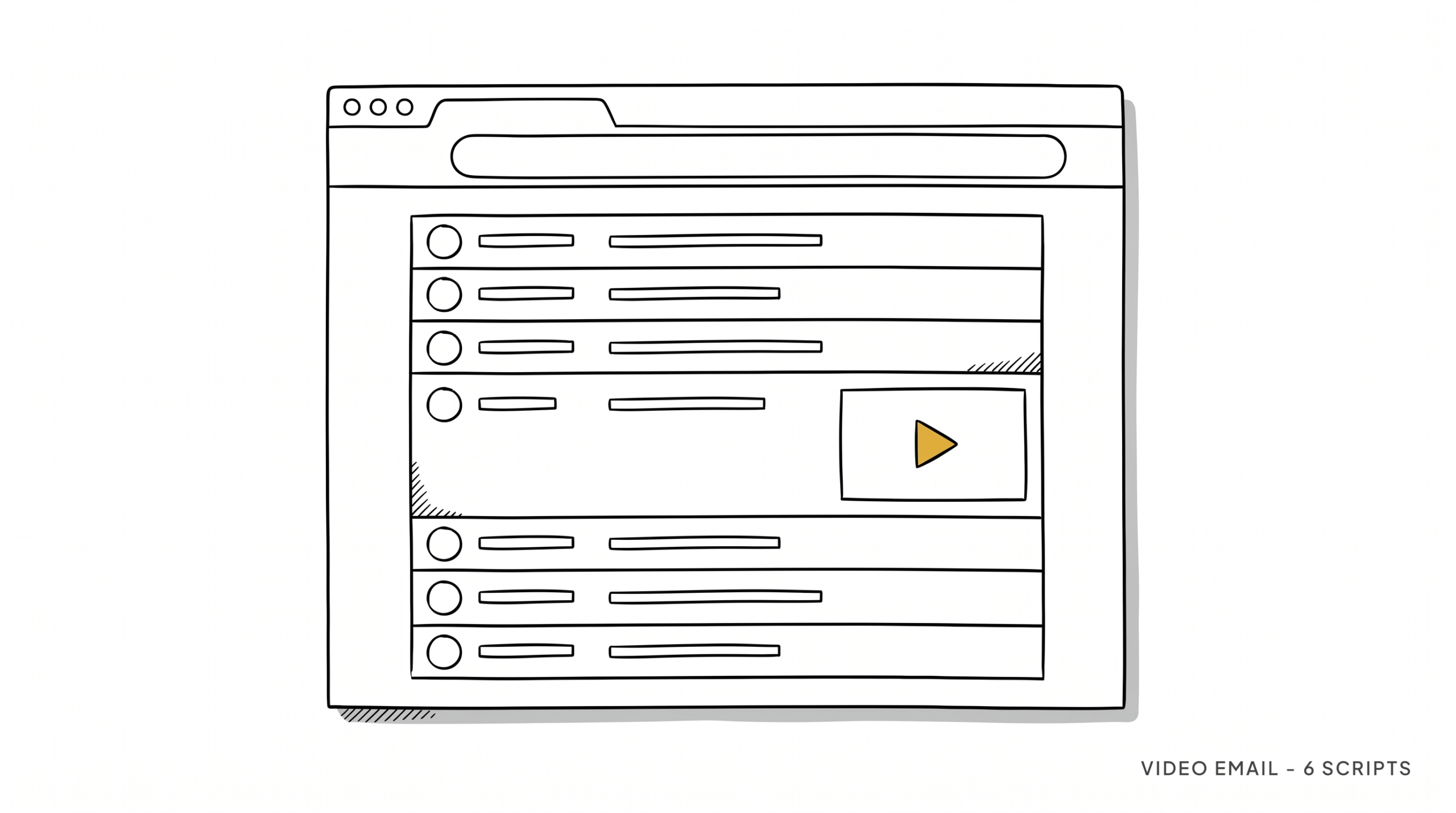
- What to Say: Scripts for Every Situation
- Video Email Tools for Real Estate Agents
- How to Record a Video That Actually Gets Watched
- Building Video Into Your CRM Follow-Up Sequence
- FAQ
Why Video Email Works
Email inboxes are noisy. Email returns $36 for every $1 spent (Litmus, 2023) – but that stat assumes people are actually opening and reading your emails. Most aren’t.
Video email works for a few reasons that plain text can’t replicate:
It’s personal. A video with your face in it and someone’s name on the screen signals effort. It doesn’t feel like a mass email even when it’s part of a sequence.
It builds trust faster. Real estate is a trust business. Buyers and sellers are making the biggest financial decision of their lives. A video where they can see your face, hear your voice, and pick up on your energy builds rapport in a way that words on a screen can’t.
It stands out. The novelty hasn’t worn off. Most agents still send the same text emails everyone else sends. A video thumbnail in someone’s inbox – especially one with a GIF preview showing you waving – gets clicked.
The subject line alone drives opens. Most video email tools let you put “[Video]” in your subject line or auto-generate animated GIF thumbnails. Open rates climb noticeably with either approach.
This doesn’t mean every email should be a video. That would get old fast. Video works as a pattern interrupt – something different in a sequence of normal touchpoints.
When to Use Video vs. Plain Text Email
Use video when:
- Responding to a new lead for the first time (within the first 24 hours)
- Re-engaging a warm lead who went quiet after 2+ weeks
- Following up after a showing or consultation
- Sending a past client a personal check-in (not a newsletter – a direct message)
- Introducing yourself to a cold lead from a specific campaign (FSBO, expired listing, etc.)
- Sharing a market update that’s specific to their neighborhood
Stick to text email when:
- Sending a bulk newsletter or market report to your whole database
- Sending a follow-up with an attachment (contracts, reports, listings)
- Sending a quick logistical message (confirming a time, sharing an address)
- The message has no personal angle – if you wouldn’t record a unique video, don’t force it
The rule of thumb: if the message could have been sent to 500 people at once, don’t use video. If it’s genuinely directed at one person, video is worth the 90 seconds it takes to record.
For how video fits into a broader follow-up strategy, see our full guide on how to automate your real estate follow-up.
What to Say: Scripts for Every Situation
Keep every video under 90 seconds. Your structure is: name them, state why you’re reaching out, give them something of value or a reason to respond, ask one clear question. That’s it.
New Lead Response (within 24 hours):
“Hey [Name], this is [Agent] from [Brokerage] – I wanted to reach out personally because you were looking at [neighborhood/property type] and I wanted to make sure I got you the right information, not just an automated reply. Quick question: are you looking to be in something by [timeframe], or are you more in the early research stage? Either way I’ve got some options I think you’d find interesting. Just hit reply and let me know – happy to set up a quick call.”
Re-Engaging a Warm Lead:
“Hey [Name], [Agent] here – I know it’s been a few weeks since we talked and I just wanted to check in. The market in [area] has shifted a little since we last spoke and there are a couple of things I think you’d want to know about before you make any decisions. No pressure at all – just want to make sure you have the full picture. Are you still looking at this fall, or has the timeline changed? Let me know.”
Past Client Check-In:
“Hey [Name], [Agent] here – I was actually just thinking about you because a house on [nearby street] just hit the market and it reminded me of something you mentioned when we closed on your place. I don’t have an agenda here, just wanted to say hey and see how you and [spouse/family] are settling in. If you ever have questions about what your home’s worth or know anyone looking, I’m always around.”
Expired Listing Outreach:
“Hi [Name], my name is [Agent] – I noticed your listing came off the market recently and I didn’t want to just send you a letter like everyone else. I have a few specific ideas about what I’d do differently on your home and I wanted to explain them in person rather than in a template. Would you be open to a 15-minute call this week? Happy to show you what I have in mind.”
Video Email Tools for Real Estate Agents

BombBomb – The most widely used video email tool in real estate. Records from desktop or phone, embeds a GIF thumbnail in your email, tracks opens and plays, integrates with most CRMs. About $40-50/month. Best all-around option.
Loom – Free for basic use, easy to record and share. Lacks some of the real estate-specific CRM integrations but works well for straightforward video messages. Good starting point if you’re not sure video email is worth the investment yet.
Dubb – Similar to BombBomb, with call-to-action buttons built into the video player itself. Slightly more customizable. Slightly steeper learning curve.
VideoAsk (by Typeform) – Useful for interactive video sequences where the recipient can respond by video as well. More suited to lead capture than one-to-one follow-up.
iPhone/Android native camera + Gmail – For agents who want to start without a paid tool: record a video, upload it to YouTube as unlisted, and paste the thumbnail with the link into your email. Not as elegant, but it works.
Most agents who try BombBomb stick with it. The tracking alone – seeing who opened your video and when – is worth the cost.
How to Record a Video That Actually Gets Watched
Recording good videos is a skill that gets easier fast. Here’s what actually matters:
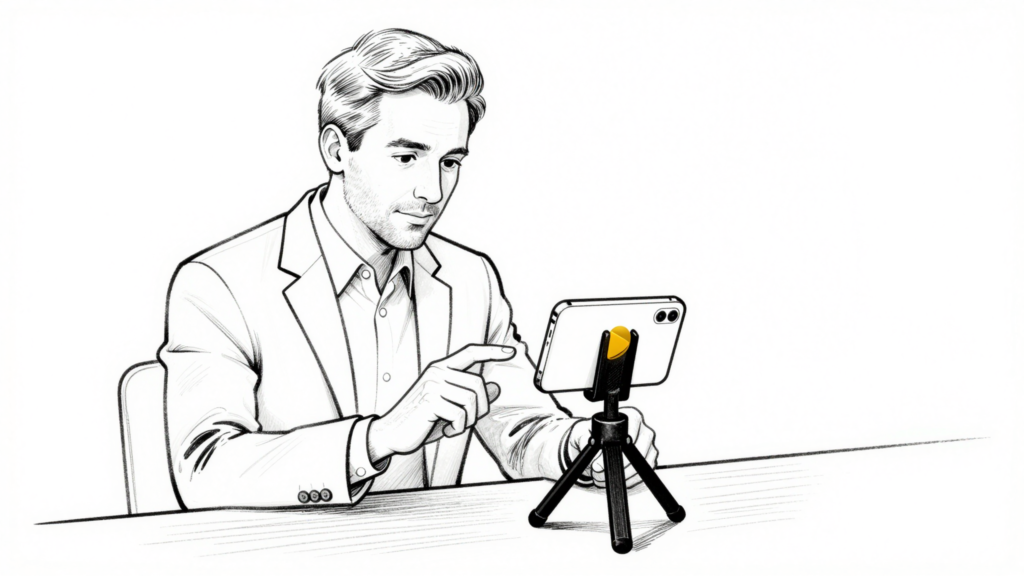
The first frame is your thumbnail. Video email tools grab your first frame as the preview image. Start with your hand mid-wave, pointing at the camera, or holding up a sign with the recipient’s name. This is the biggest factor in whether someone clicks.
Say their name in the first three words. “Hey Sarah” at the start signals this isn’t a template. It gets people watching.
Background matters more than you think. You don’t need a fancy setup. But a clean desk, good light from a window in front of you, and a quiet room is enough. Cars are fine too – the casual setting actually works in your favor.
Don’t do more than one take. Small mistakes are human. Over-polished videos feel like ads. Stumble over a word, laugh it off, keep going. That’s what builds rapport.
End with one specific question. Not “let me know if you have any questions” – that gets no response. “Are you still looking to be in something by summer, or has that shifted?” gets an answer.
Building Video Into Your CRM Follow-Up Sequence
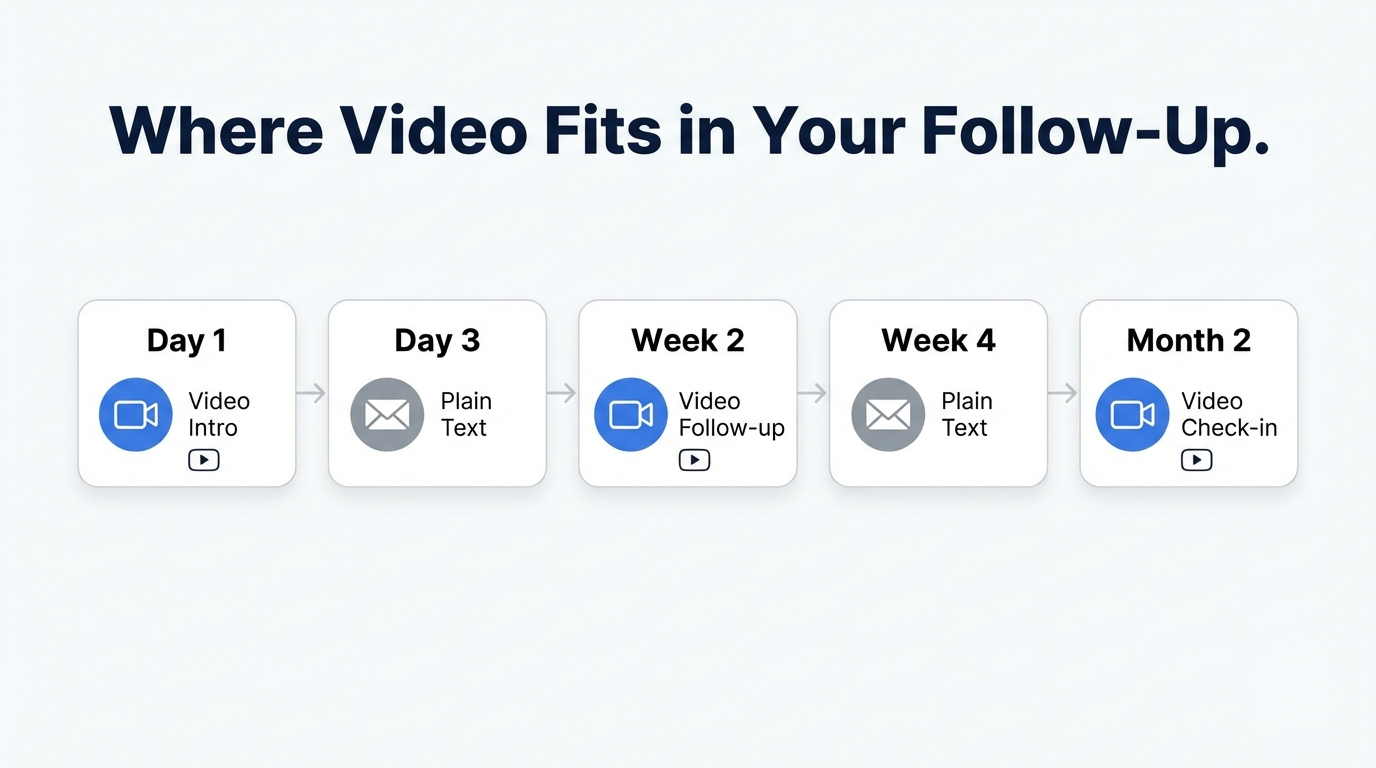
Video works best as a pattern interrupt – a departure from your normal text-and-email sequence that grabs attention at a key moment.
Here’s where it fits in a standard follow-up track:
New Lead Sequence:
- Day 1: Automated text (speed to lead) + personalized video email
- Day 3: Follow-up call
- Day 7: Standard email (value content, not a video)
- Day 14: Video email (re-engage if no response)
- Day 30+: Monthly nurture sequence
Warm Lead Re-Engagement:
- Week 1: Standard email check-in
- Week 2: Phone call
- Week 3: Video email (pattern interrupt)
- Week 6: Market update email
- Week 10: Video email or handwritten card
Past Client Annual Check-In:
- Q1: Video email (“Thinking of you” message)
- Q2: Market update (text email)
- Q3: Phone call
- Q4: Holiday card or video message
The key is not overusing video. One video per sequence phase is enough. If you’re sending someone a video every week, it stops feeling personal.
For a full look at building a multi-channel follow-up system, see our real estate follow-up system guide and our breakdown of real estate text message scripts to pair with your video strategy.
FAQ
Do video emails actually get higher response rates?
Yes – agents consistently report higher response rates compared to plain text emails, especially for re-engagement. The personalization signal alone drives more opens and replies. The exact lift varies, but the pattern holds across industries and is especially pronounced in high-trust businesses like real estate.
How long should a video email be?
60-90 seconds maximum. Most people decide whether to keep watching in the first 10 seconds. Say who you are, why you’re reaching out, and ask one question. If you’re going longer than 90 seconds, you’re including too much.
Do I need expensive equipment?
No. A modern smartphone camera is more than sufficient. What matters more than equipment is lighting (face the window, don’t have it behind you), background (clean and uncluttered), and audio (a quiet room beats any microphone).
Can I batch record video emails?
You can batch record template-style videos, but the best ones are personalized in real time. A good middle ground: record the intro personally (say their name, mention something specific) and keep the main message as a template you slightly adjust per person.
How do I know if someone watched my video?
Video email tools like BombBomb and Dubb show you open notifications, play time, and whether the viewer clicked through. This data tells you who’s actually engaged – which is exactly who to prioritize in your follow-up.
The Bottom Line
Video email is one of the few follow-up tactics that’s still genuinely underused in real estate. While every other agent is sending the same text emails, a 60-second video with someone’s name on it cuts through the noise and builds the kind of trust that moves leads from “maybe someday” to “let’s talk.”
The tools are affordable, the learning curve is small, and the results show up quickly. The key is using video strategically – at the moments where personal connection matters most – rather than replacing every email with a video.
If you want to see how nurtureBEAST helps agents build multi-channel follow-up sequences that include video at the right touchpoints, visit nurturebeast.com. Or if you’re not sure where your follow-up is breaking down, take the quiz to find out.