⏱ 19 min read
Published March 31, 2026
Real Estate Market Reports: 6 Sections to Auto-Send
Last Updated: March 31, 2026
Monthly market reports are one of the highest-value, lowest-effort things a real estate agent can do to stay in front of their database. They provide genuine value, they position you as the local expert, and they keep your name showing up in the inbox of contacts who might not be ready to buy or sell for another 6-12 months. Most agents either do them manually (and stop after two months) or don’t do them at all. This post shows you how to automate them, what data to include, and how to write them so they feel personal instead of generic.
Key Takeaways
- Market reports are a long-game nurture tool – they work by compounding over months, not weeks
- The best reports combine neighborhood-level data with a brief human take from you
- Automation handles the sending; your job is writing a short personal intro once a month
- Segment your list so buyers get buyer-relevant data and past clients/homeowners get seller-relevant data
- One well-written monthly report is worth more than four generic check-in emails
Table of Contents
- Why Market Reports Work as a Nurture Tool
- What to Include in a Market Report
- How to Automate the Sending
- Making Reports Feel Personal Instead of Generic
- Segmenting Your List for Market Reports
- What to Write in the Email Intro
- FAQ
Why Market Reports Work as a Nurture Tool
Most follow-up content is agent-centric. “I’m here when you’re ready.” “Just checking in.” “Do you know anyone looking?” Market reports are the opposite – they’re entirely about what the contact cares about: their money, their home, their neighborhood.
That’s why they work.
When someone gets a monthly email from you with real data about what homes are selling for in their zip code, a few things happen:
They open it. People are genuinely curious about real estate values, especially homeowners. An email with a subject line like “What Homes Are Selling For in [Neighborhood] This Month” beats any “just checking in” subject line by a wide margin.
They trust you more. Showing up consistently with useful, accurate data positions you as the local authority. When they’re ready to list, or their neighbor asks who to call, you’re the name that comes to mind.
You stay relevant without being pushy. Market reports give you a reason to show up that has nothing to do with asking for business. That’s exactly the kind of contact that builds long-term relationships.
87% of real estate sales come from referrals or repeat clients (NAR, 2023). Market reports are one of the most effective tools for staying connected to those referral sources without feeling like you’re always asking for something.
What to Include in a Market Report
Keep it focused. A report that tries to cover everything ends up saying nothing. The best market reports cover one geographic area – a zip code, a neighborhood, or a specific city – and give the reader a quick, clear picture of what’s happening.
Core data points to include:
- Number of homes sold that month
- Median sale price (and how it compares to last month and last year)
- Average days on market
- List-to-sale price ratio (are homes selling above or below asking?)
- Current months of inventory (seller’s market vs. buyer’s market indicator)
- Number of active listings vs. same period last year
Optional additions that add depth:
- A breakdown by property type (single-family vs. condo/townhome)
- Interest rate context – a one-liner on where rates are right now
- One notable sale or trend from the month worth calling out
- A brief take on what you’re seeing on the ground as an agent
What to leave out:
National housing market commentary. Your readers care about their neighborhood, not what’s happening in Phoenix or Tampa. The more local your data, the more relevant your report.
Where to get the data: Your MLS has all of this. Most MLAs have a statistics or market report tool built in. Pull the data monthly, drop it into your template, write your personal take, and send.
How to Automate the Sending
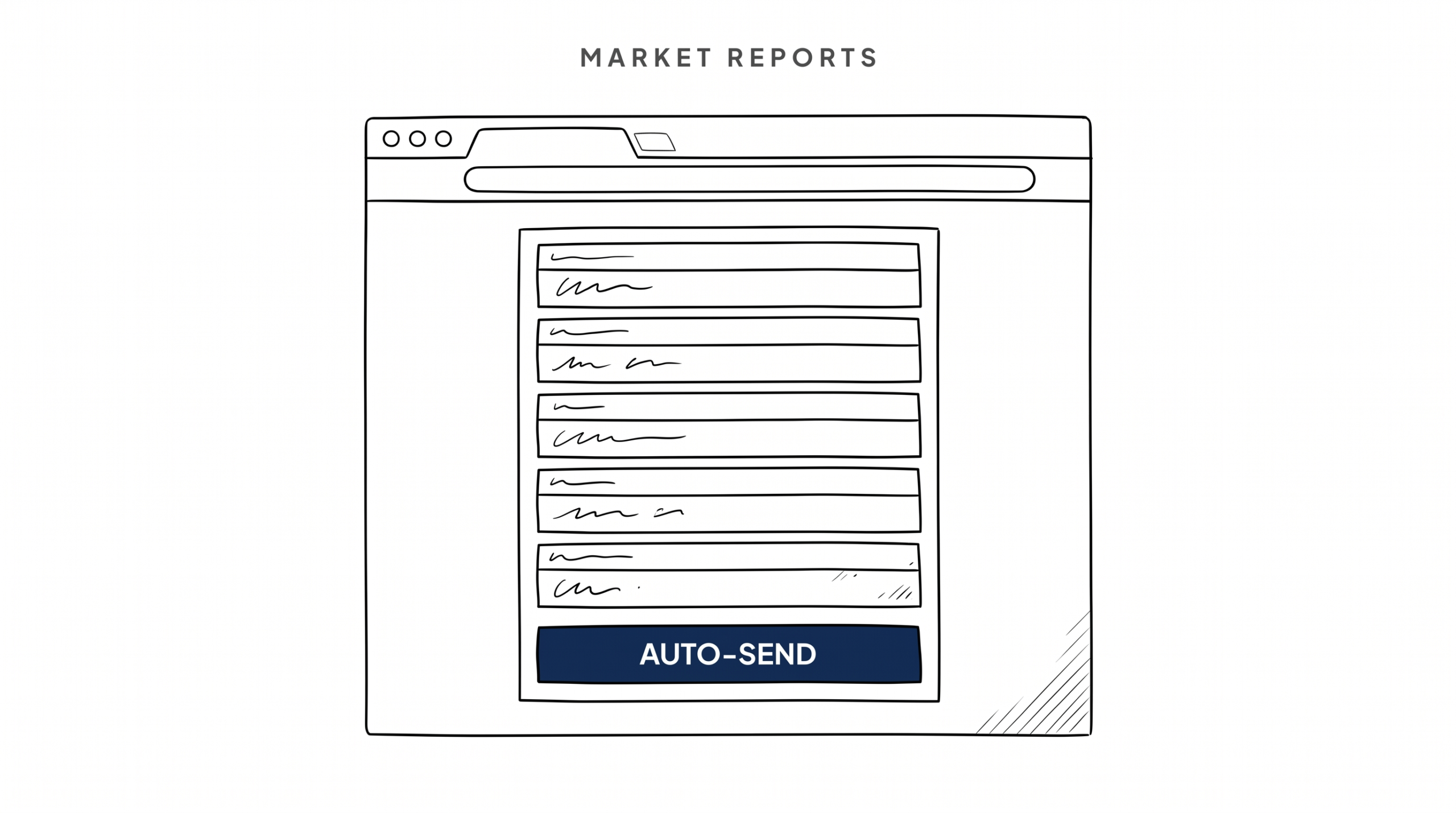
“Automate” here doesn’t mean fully hands-off. You still write a brief personal intro each month. What automation handles is everything else: who gets it, when it goes out, what the email looks like, and tracking who opened it.
The basic setup:
1. Build your market report template in your email or CRM platform. This is a reusable design you fill in each month – header image, data sections, your headshot, footer. You build it once.
2. Create a segment in your CRM for “Market Report – [Area Name]” contacts. This is anyone in your database who is connected to that area – past clients in that zip code, active buyers searching there, sphere contacts who own homes there.
3. Set up a recurring campaign in your CRM or email tool. Most platforms let you schedule a monthly email blast to a saved segment. Some let you build a recurring automation where new contacts added to the segment automatically receive past reports.
4. Each month: pull data from MLS, fill in your template, write your 2-3 sentence personal intro, schedule the send.
Total time per month once the system is set up: 30-45 minutes. That includes pulling data, filling the template, and writing your intro.
Tools that handle this well: nurtureBEAST, Mailchimp, ActiveCampaign, Follow Up Boss with a connected email tool. The key is that your contacts are already tagged and segmented so you’re not manually choosing recipients each month.
For a broader look at how automation fits into your follow-up system, see our guide on real estate marketing automation.
Making Reports Feel Personal Instead of Generic
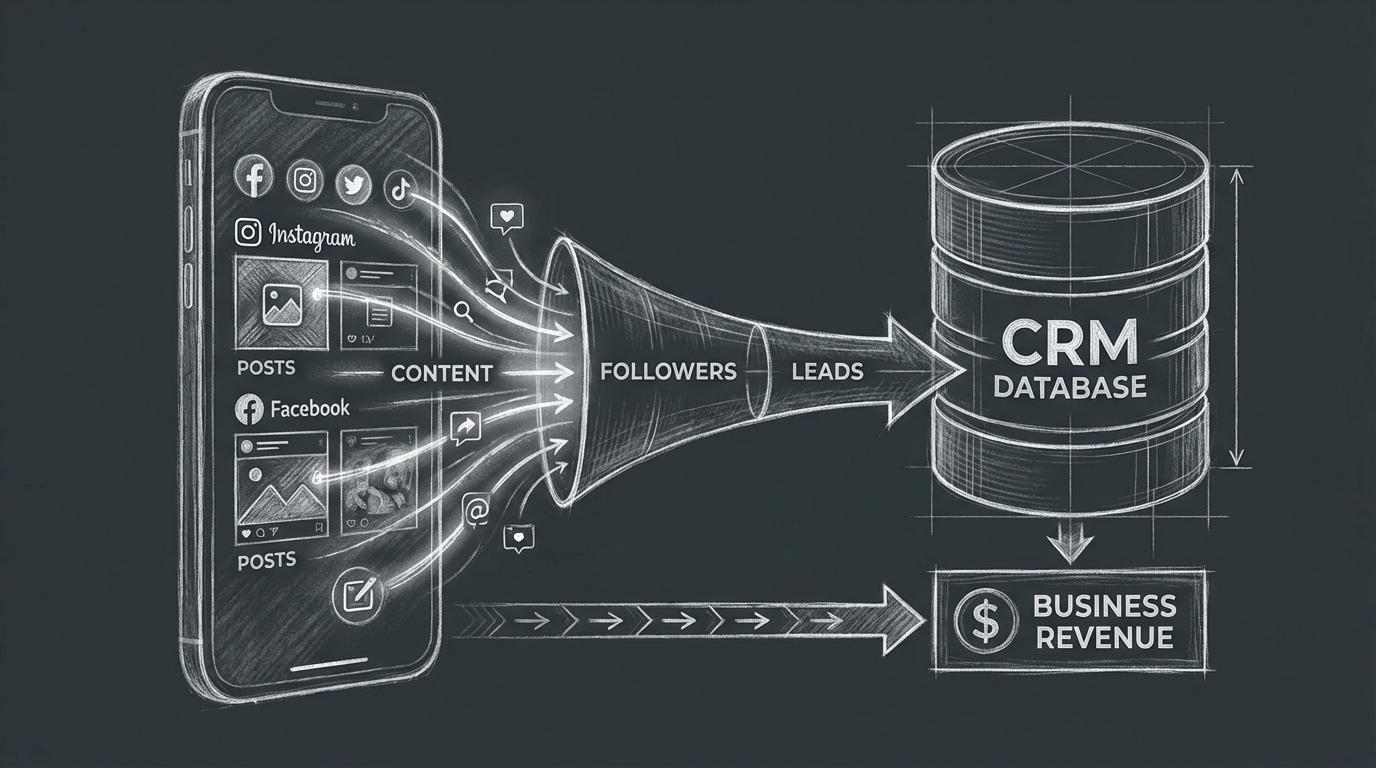
The biggest failure mode for market reports is the generic template that looks like it came from a corporate marketing team. You’ve seen them – stock photo header, boilerplate copy, no actual analysis, your headshot in the corner. Nobody reads those.
Here’s how to avoid it:
Write a real intro. Not “The real estate market continues to show strong fundamentals.” Write like a person. “March was an interesting month – inventory ticked up a little but prices are holding steady, which I honestly didn’t expect. Here’s what I saw.” Three sentences, your voice, your take. That’s it.
Call out something specific. If one street saw three sales in a month, mention it. If a condo building is selling fast, say so. Specific observations signal that you actually looked at the data.
Use a conversational subject line. “Your March [Neighborhood] Market Update” is fine but predictable. “What’s actually happening in [Neighborhood] right now” or “[Neighborhood] home prices this month – some surprises” works better.
Make the data scannable. Use a simple table or bullet points for the core numbers. Nobody wants to read paragraphs of statistics. They want to scan three numbers and read your take.
Include a low-pressure CTA. “Curious what your home’s worth in this market? Reply and I’ll run the numbers.” That’s it. One line, no pressure, relevant to what they just read.
Segmenting Your List for Market Reports
One market report going to your whole database is better than no market report. But segmenting is better than one-size-fits-all.
The core segments to consider:
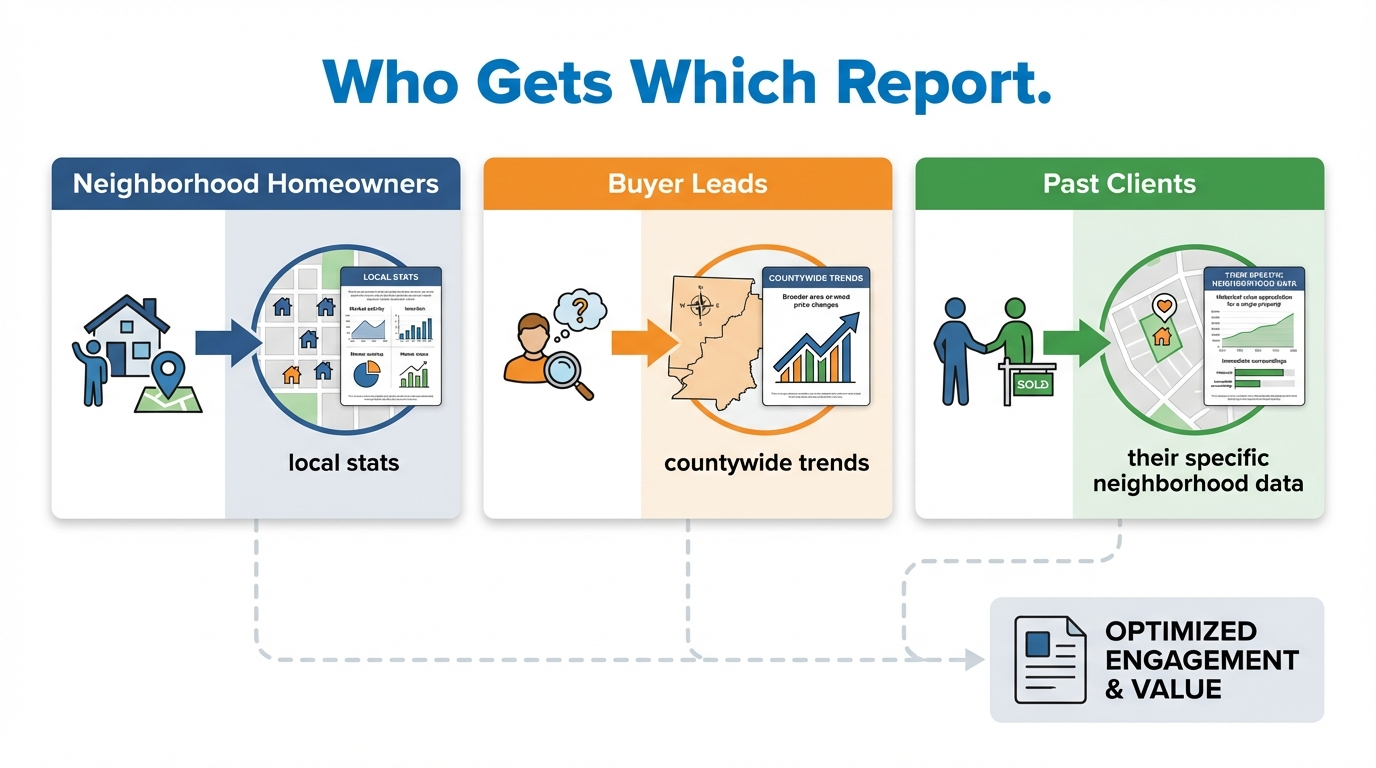
Homeowners and past clients – Focus on seller-relevant data: median sale price, days on market, inventory. These people care what their home is worth.
Active buyers – Lead with inventory levels, days on market, and list-to-sale ratio. They want to know whether it’s competitive right now and whether they have any negotiating room.
Sphere contacts who rent – They may be future buyers. Include a “what your monthly payment would look like if you bought now” note alongside rate and price data. Plant the seed.
Investors – They want days on market, price per square foot, and rental market context if you have it.
You don’t need four separate reports. One report with a slightly different intro and emphasis for each segment goes a long way. Most CRMs let you personalize the first paragraph of an email based on a tag or segment.
For more on building out your database structure, see our post on real estate database management.
What to Write in the Email Intro
This is the part most agents overthink. The intro doesn’t need to be brilliant. It needs to be real.
Formula for a good market report intro:
1. One sentence on the month’s headline story (prices up, inventory down, market shifting, etc.)
2. One sentence on what you’re personally seeing as an agent on the ground
3. One sentence on what it means for the reader specifically (is it a good time to sell? Buy?)
Example for a seller-focused audience:
“February was the third month in a row with under 2 months of inventory in [Neighborhood], which means it’s still very much a seller’s market. What’s interesting is that days on market actually ticked up slightly, so buyers are being a bit more selective than they were last fall. If you’ve been thinking about listing, you’re still in a favorable position – but the window may be tightening.”
That’s 65 words. It took about three minutes to write. It sounds like a real person who actually knows what’s going on.
That’s the whole game with market reports – consistency + local expertise + a human voice. Do that for 12 months straight and you become the agent people call.
For more tactics on staying connected to your database month after month, see our guide on how to stay top of mind with real estate clients.
FAQ
How long should a market report email be?
Short. The data section should be scannable in under 60 seconds – a simple table or 5-6 bullet points. Your written intro should be 3-5 sentences. The whole email should be readable in under 2 minutes. If it’s longer, cut it.
What if my MLS doesn’t give me easy access to monthly stats?
Most MLSs have a statistics or market report section in the member portal – check there first. If yours doesn’t, your brokerage likely has a marketing tool that pulls MLS data. As a fallback, Altos Research and similar services provide automated market data reports you can customize.
Can I outsource writing the market report?
You can outsource the template design and data formatting. Don’t outsource your personal intro – that’s the part that makes it feel real. Even three sentences in your own voice is better than a perfectly written intro that doesn’t sound like you.
How many areas should I send reports for?
Focus on the areas where you actually work and where your database contacts live. Three to five areas is manageable. If you go broader than that, the data becomes less relevant and the maintenance becomes more work.
Should I include a call to action in every market report?
Yes, but make it soft and relevant. “Curious what this means for your home’s value? Reply and I’ll run a quick CMA” is ideal. Don’t make the report feel like a lead generation email – the value is the primary thing. The CTA is secondary.
The Bottom Line
Market reports are a long-game play. They don’t generate calls immediately. What they do is keep you present, relevant, and trusted in the minds of people who will eventually buy, sell, or refer someone to you. And they do it without requiring you to be pushy or ask for anything.
The agents who win on database nurture are the ones who show up consistently with value. Monthly market reports, sent to a well-segmented database, with a real human intro every time, are one of the most effective ways to do that. And once your template is built and your automation is set up, the ongoing work is minimal.
If you want help setting up an automated nurture system that includes market reports, check-in sequences, and past client follow-up, visit nurturebeast.com. Or take the quiz to see where your follow-up system has gaps right now.